
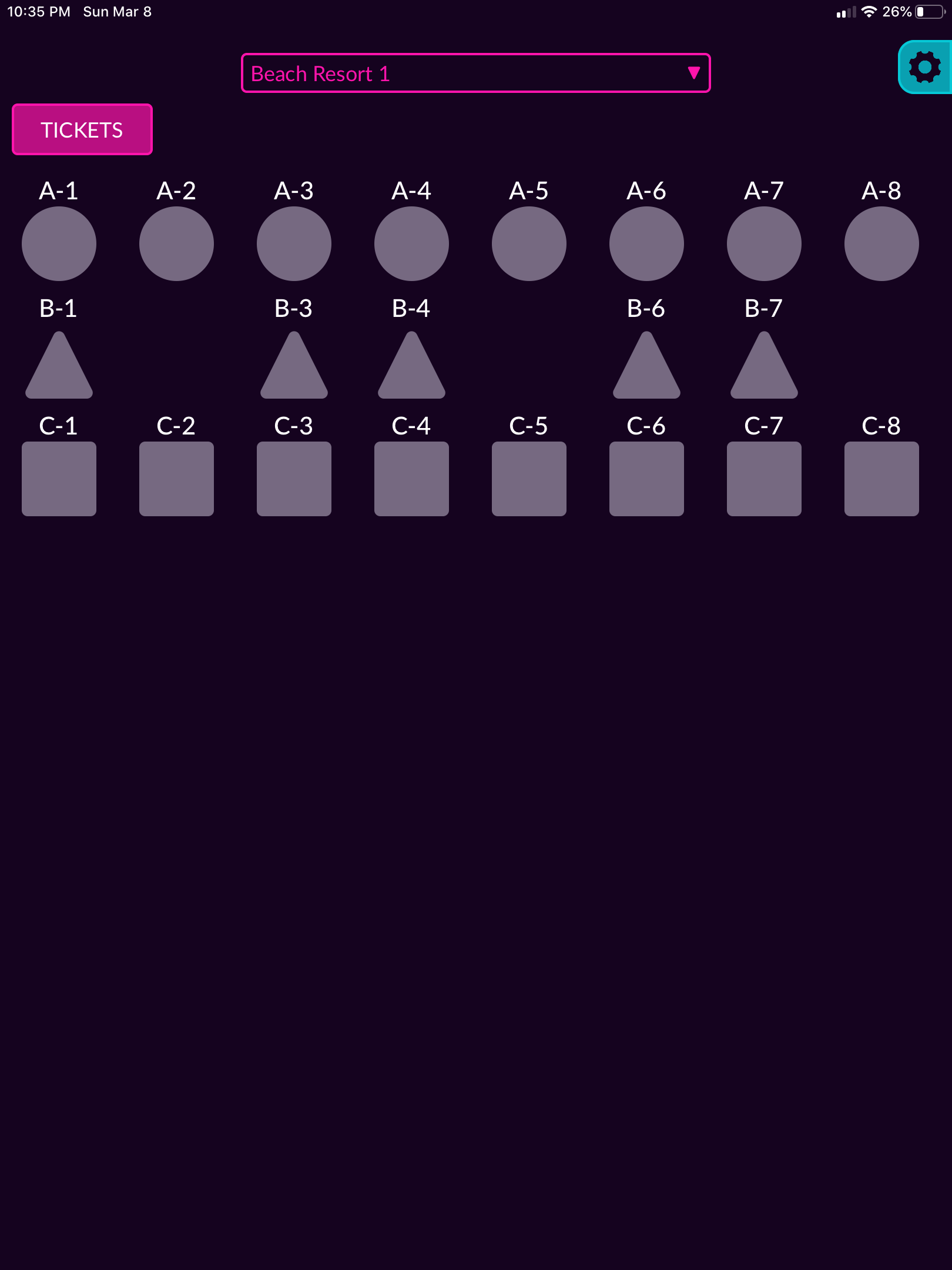
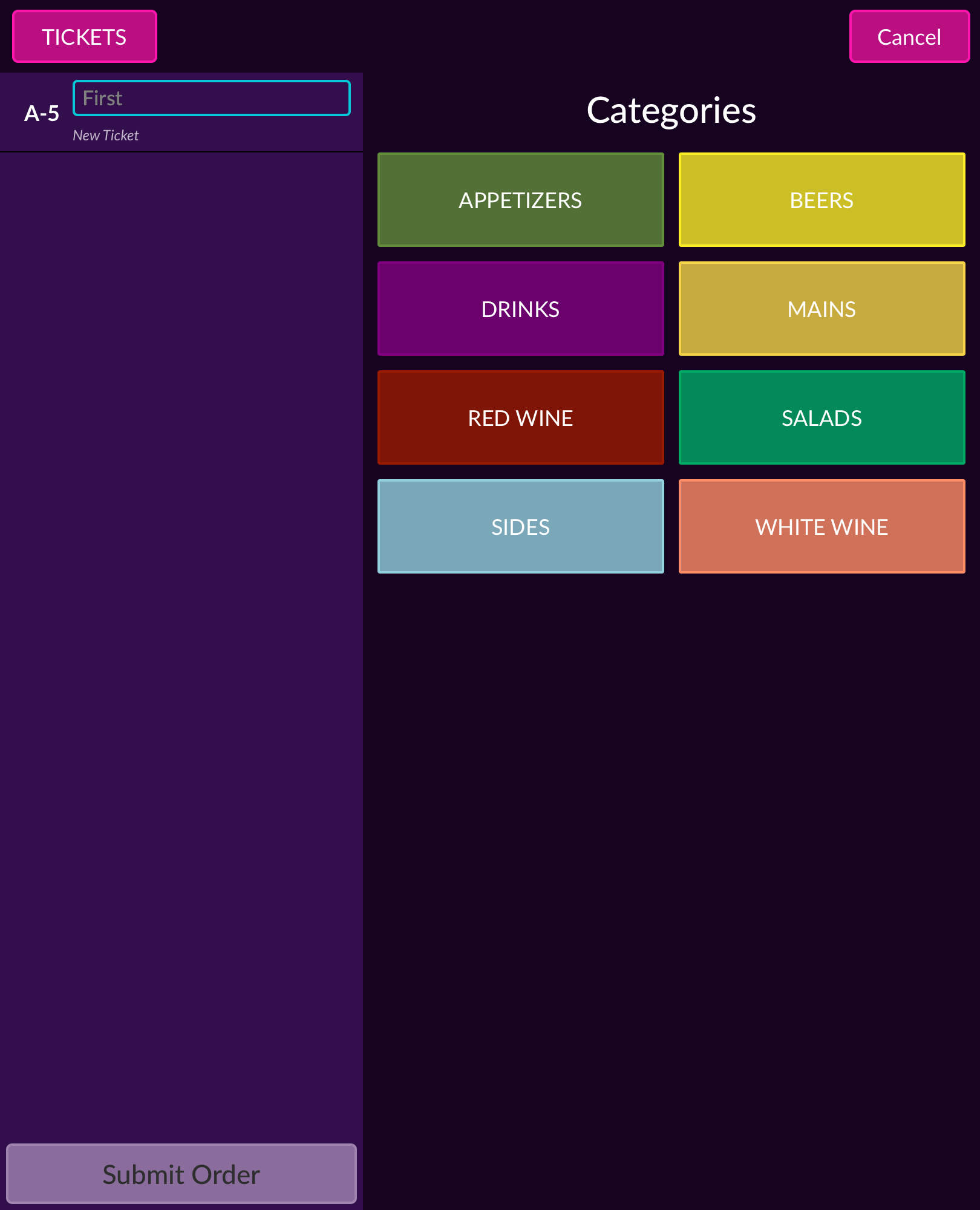
When a user has selected a seat position from the layout they are brought to a categories page that displays the different category groups each restaurant has. For example appetizers, entrees, draft beers, mixed drinks, etc.
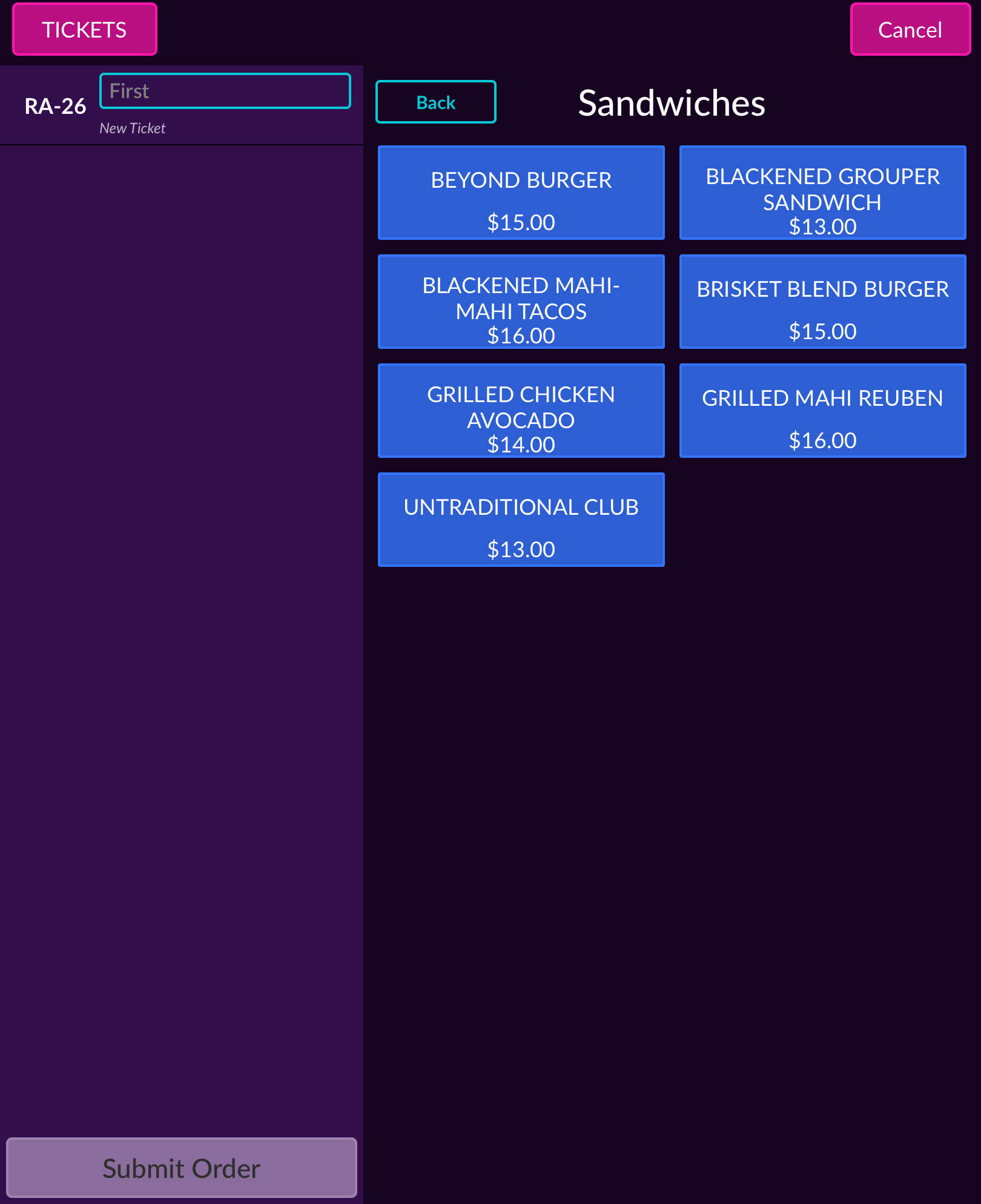
Selecting a category populates all of the items contained in that category.
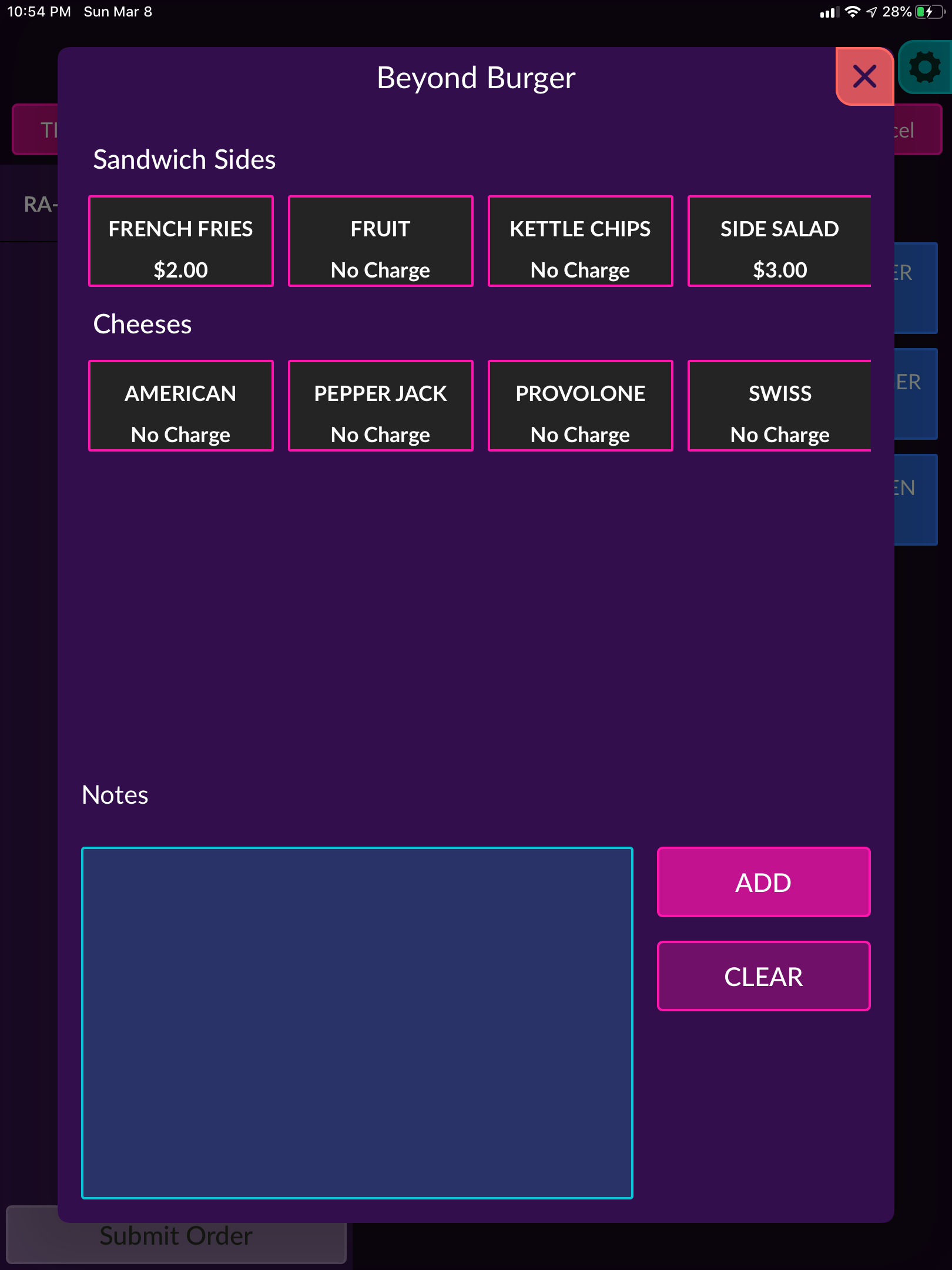
When an item is selected the available modifiers and add ons for that item are shown. When a modifier is selected it is highlighted pink. Restaurants have the ability to set mandatory or optional modifiers for items. There is also a notes section for special requests that modifiers don't cover.
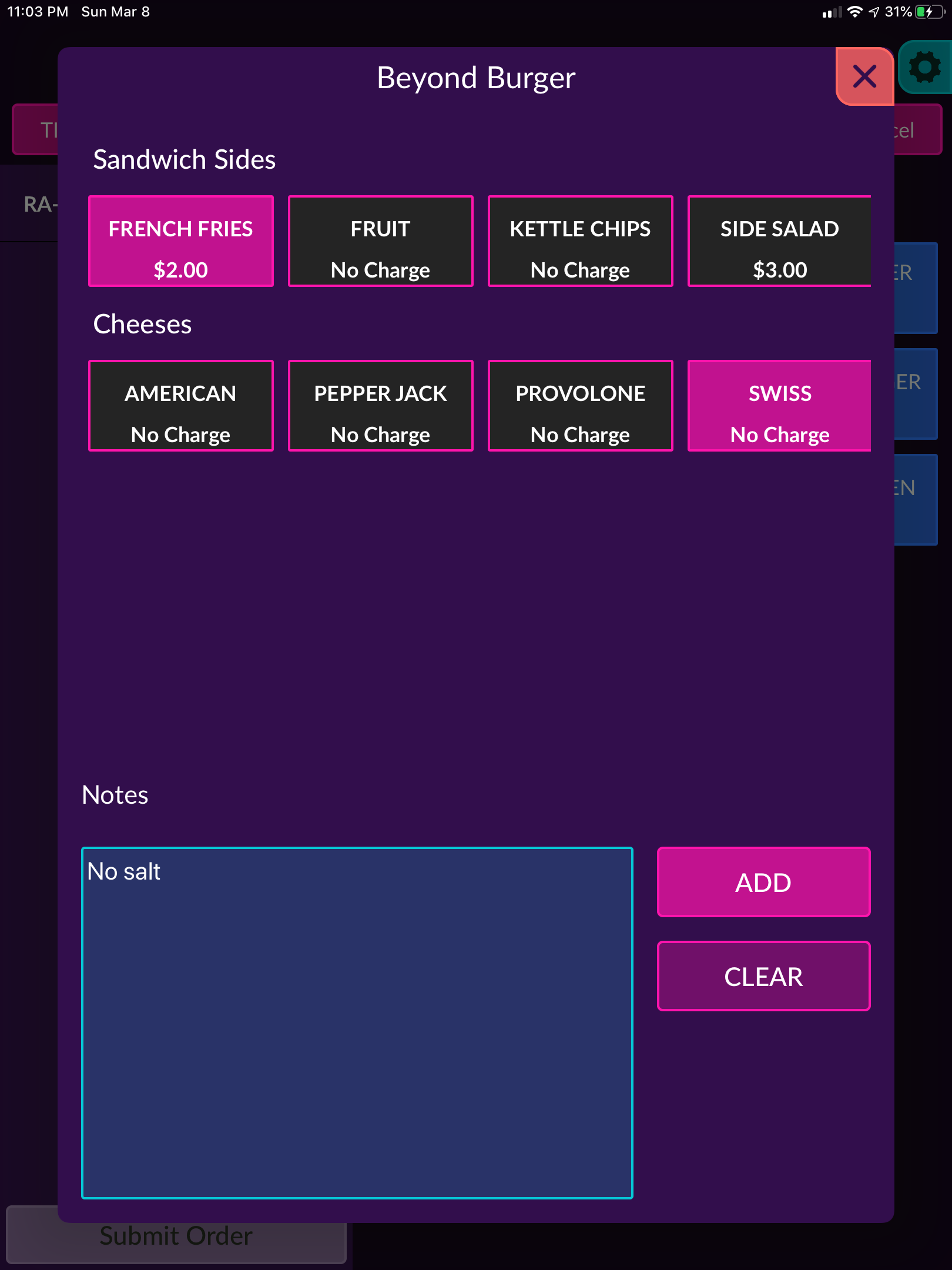
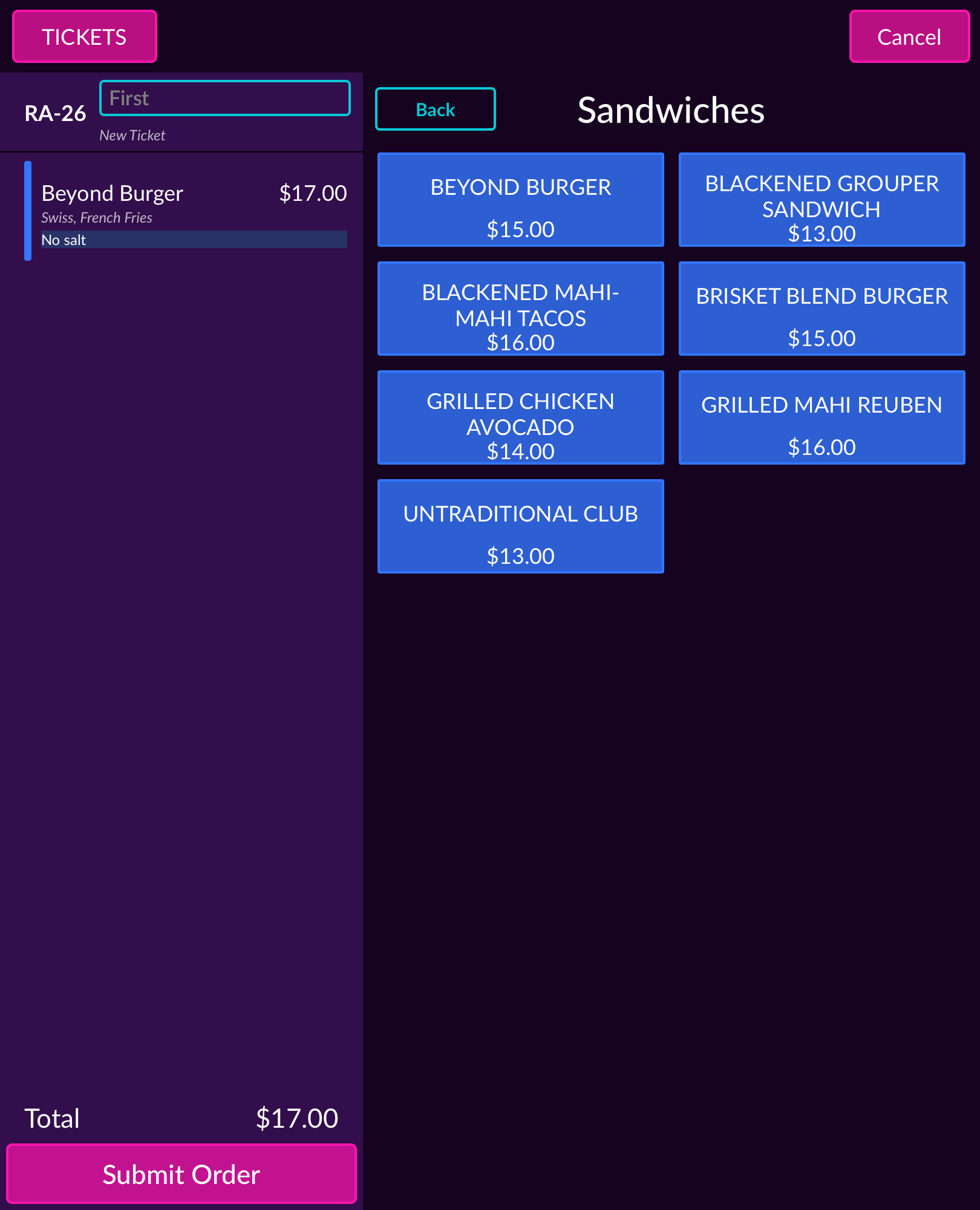
When the item is customized to the guests liking the server clicks on the add button and the item is added to the order queue. The modifiers and item notes will appear below the item. When the item is ready to be sent to the kitchen the server will click the submit order button.
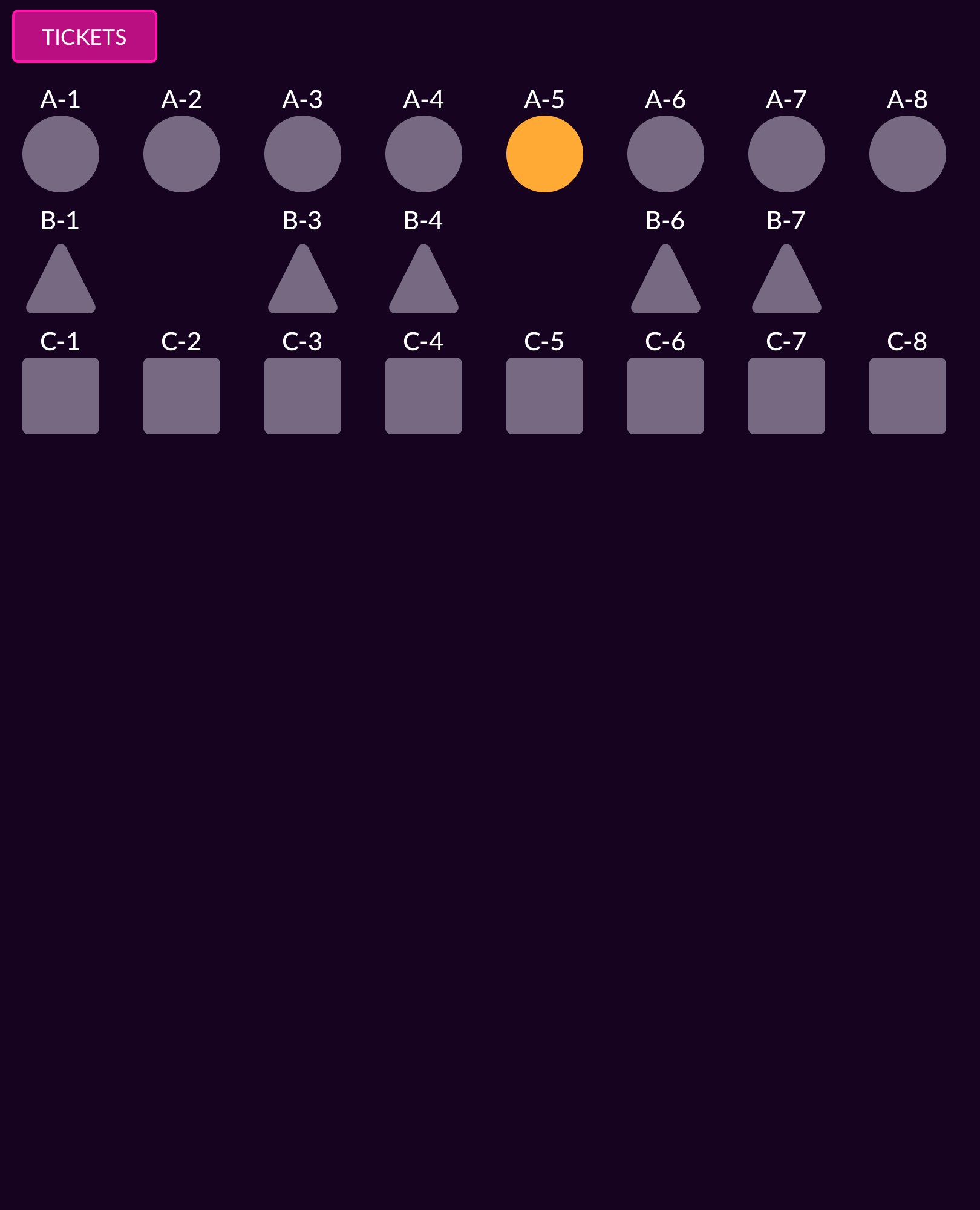
Once the item has been added to the order and the order has been successfully submitted. The guest's position on the layout will change to orange indicating that they have placed an order.
Comments
0 comments
Please sign in to leave a comment.