
Promo codes are useful in a variety of ways but are most commonly used as marketing tools and discounting customer types.
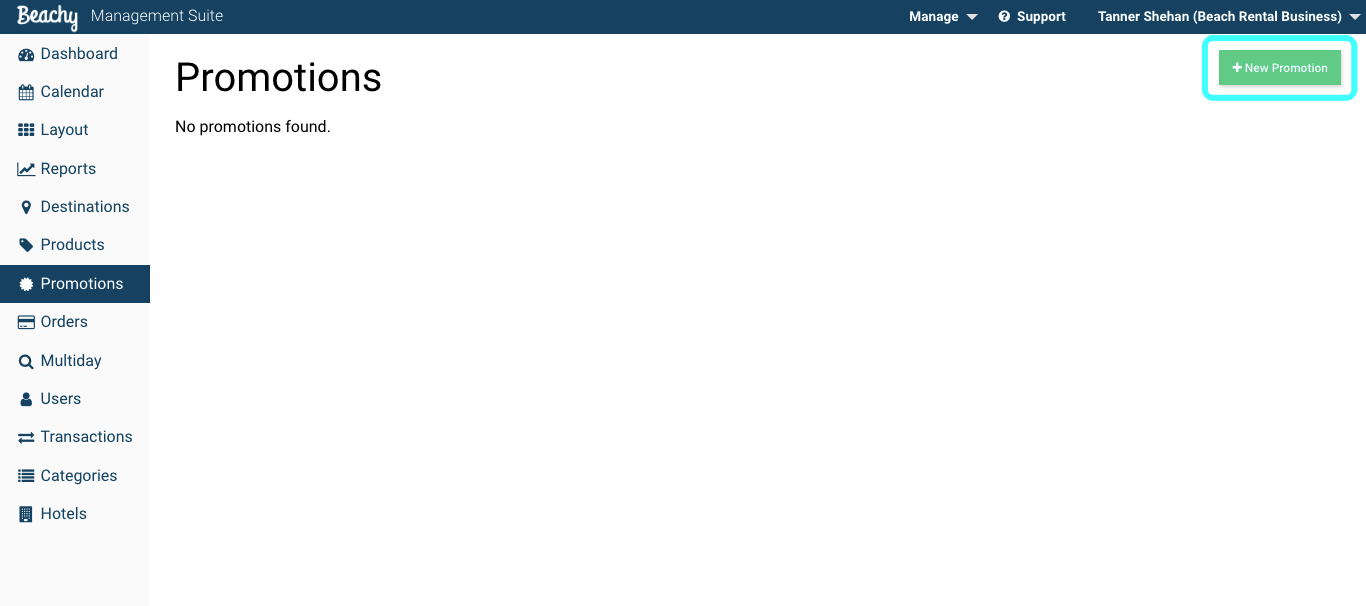
To create promo codes, navigate to the Promotions tab in the Beachy management suite. Select +New Promotion button to get started.
The Promo Code form box will be the name of the promotion. The promo name will be used to apply the discount online or in the attendant application.
Usage limit and effective dates are used to control how long your promo code is functional. If the usage is unlimited, set the limit to an unattainable amount. Start and end date will be your effective date range.
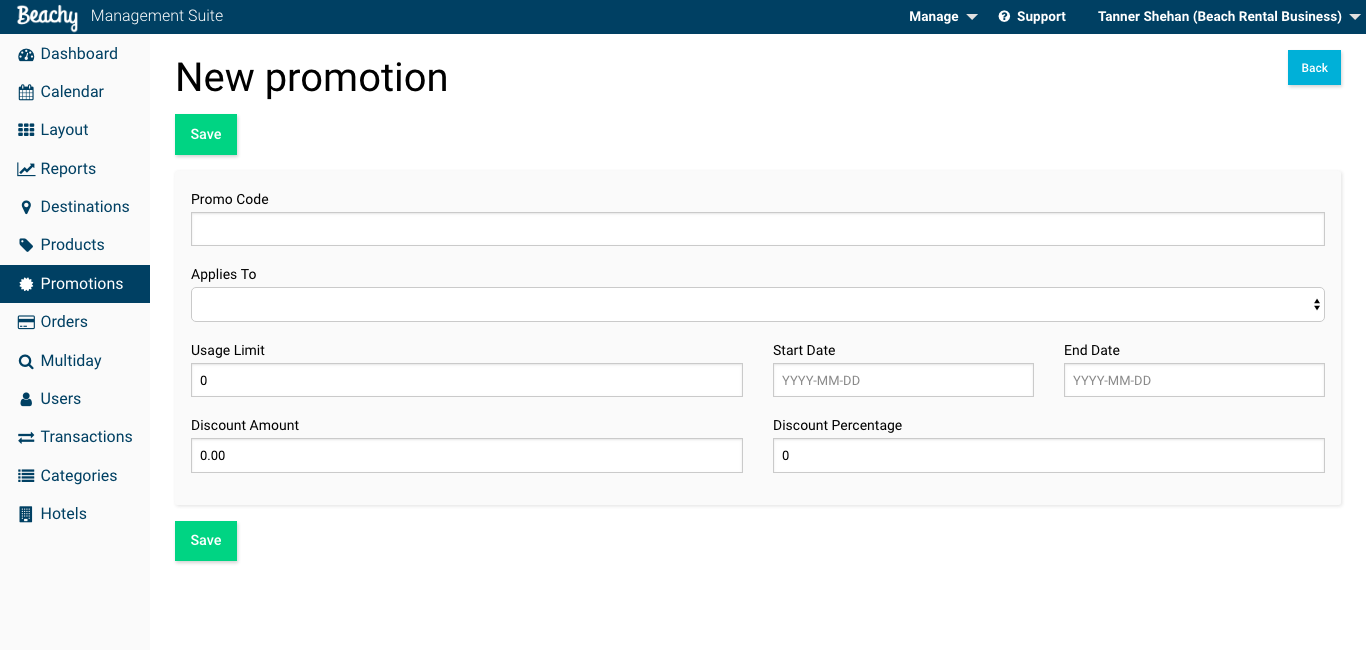
Discounts can be applied using a dollar amount or percentage. Either method will apply the discount to the order subtotal.
Comments
0 comments
Please sign in to leave a comment.